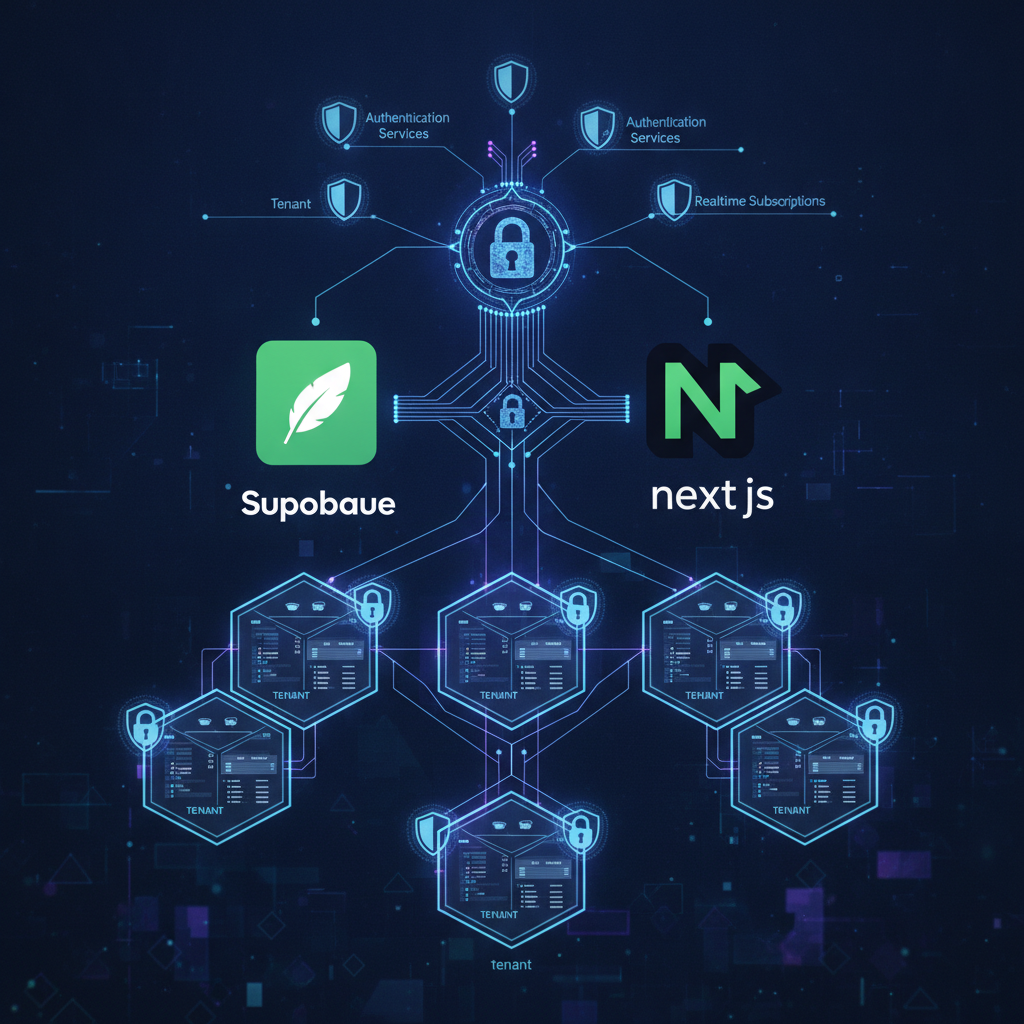
If you're building a multi-tenant SaaS application on Next.js and leveraging Supabase, you've likely encountered the complexities of ensuring strict data isolation between tenants. While basic Row-Level Security (RLS) policies can prevent one tenant from seeing another's data, production-grade applications demand more. You need to handle scenarios like shared resources, role-based access within a tenant, and the subtle edge cases that can lead to data leakage or operational headaches.
This article is for the engineer who's moved past the (auth.uid() = user_id) policy and is now grappling with how to build truly resilient, secure multi-tenant data architectures. We'll explore advanced RLS strategies that go beyond simple ownership checks, focusing on practical implementations and common pitfalls.
TL;DR
- Tenant Isolation is Job #1: Implement RLS policies that strictly enforce data separation, ensuring one tenant cannot access another's data, even accidentally.
- Mastering
USINGandWITH CHECK: Understand the critical difference for read vs. write operations and how to combine them for comprehensive security. - Cross-Tenant Data Sharing: Design secure patterns for intentionally sharing data between tenants without compromising overall isolation.
- Role-Based Access within Tenants: Extend RLS to manage permissions for different user roles (e.g., admin, editor, viewer) within a single tenant.
- Testing and Edge Cases: Rigorously test RLS policies against common attack vectors and unexpected data flows, including race conditions and concurrent modifications.
The Core Challenge: Beyond Simple Ownership
Most multi-tenant Supabase RLS guides start with a simple policy: CREATE POLICY tenant_isolation ON your_table FOR ALL USING (tenant_id = current_setting('app.tenant_id')::uuid);. This is a good start, but it's often insufficient for real-world applications. What happens when:
- A user belongs to multiple tenants? How do you switch context securely?
- You need to share a global resource (e.g., a template, a public asset) across tenants, but still restrict modification?
- Different users within the same tenant have different access levels (e.g., an 'admin' can delete, a 'viewer' can only read)?
- A tenant's data is referenced by another table without a direct
tenant_idcolumn on the child table?
These are the problems that keep technical founders awake, knowing that a single oversight could lead to a catastrophic data breach. Our approach at PolarSoftBD focuses on a layered defense, leveraging PostgreSQL's powerful RLS capabilities in conjunction with secure application-level practices.
Setting the Stage: app.tenant_id and Context Switching
The most robust way to manage tenant context in Supabase RLS is through session variables. Specifically, using current_setting('app.tenant_id') allows you to dynamically set the active tenant for a user's session. This is superior to passing tenant_id in every query because it's enforced at the database level, preventing application-layer bypasses.
Next.js Integration for Session Management
In a Next.js App Router environment, you'd typically set this session variable during authentication or when a user switches tenants. This often happens in a middleware or an API route after successful login or tenant selection.
// app/api/auth/set-tenant/route.ts
import { createRouteHandlerClient } from '@supabase/auth-helpers-nextjs';
import { cookies } from 'next/headers';
import { NextResponse } from 'next/server';

export async function POST(request: Request) {
  const { tenantId } = await request.json();
  const cookieStore = cookies();
  const supabase = createRouteHandlerClient({ cookies: () => cookieStore });

  // Ensure the user is authenticated
  const { data: { user } } = await supabase.auth.getUser();
  if (!user) {
    return NextResponse.json({ error: 'Unauthorized' }, { status: 401 });
  }

  // Validate tenantId belongs to the user
  const { data: userTenants, error: tenantError } = await supabase
    .from('user_tenants') // A join table mapping users to tenants
    .select('tenant_id')
    .eq('user_id', user.id)
    .eq('tenant_id', tenantId);

  if (tenantError || !userTenants || userTenants.length === 0) {
    return NextResponse.json({ error: 'Invalid tenant access' }, { status: 403 });
  }

  // Set the RLS session variable
  // This requires a custom function on the database to set session variables securely.
  // Example: SELECT set_current_tenant_id('your-tenant-id-here');
  const { error: rlsError } = await supabase.rpc('set_current_tenant_id', { p_tenant_id: tenantId });

  if (rlsError) {
    console.error('Error setting RLS tenant ID:', rlsError);
    return NextResponse.json({ error: 'Failed to set tenant context' }, { status: 500 });
  }

  return NextResponse.json({ message: 'Tenant context set successfully' });
}

// Database function (SQL)
// CREATE OR REPLACE FUNCTION public.set_current_tenant_id(p_tenant_id uuid) RETURNS void LANGUAGE plpgsql SECURITY DEFINER AS $$
// BEGIN
//   PERFORM set_config('app.tenant_id', p_tenant_id::text, false);
// END;
// $$;
// GRANT EXECUTE ON FUNCTION public.set_current_tenant_id(uuid) TO authenticated;
This set_current_tenant_id function should be SECURITY DEFINER and carefully grant EXECUTE permissions only to authenticated users, ensuring only trusted code can manipulate this critical session variable.
Advanced RLS Patterns
1. Enforcing Strict Isolation with USING and WITH CHECK
For every table that contains tenant-specific data, you need to enable RLS and define policies. The USING clause applies to SELECT and DELETE operations, while WITH CHECK applies to INSERT and UPDATE operations. For strict isolation, both should reference the app.tenant_id.
ALTER TABLE public.documents ENABLE ROW LEVEL SECURITY;

-- Policy for SELECT and DELETE
CREATE POLICY documents_tenant_select_delete ON public.documents
  FOR ALL
  USING (tenant_id = current_setting('app.tenant_id')::uuid);

-- Policy for INSERT and UPDATE
CREATE POLICY documents_tenant_insert_update ON public.documents
  FOR ALL
  WITH CHECK (tenant_id = current_setting('app.tenant_id')::uuid);
Production Edge Case: Without WITH CHECK, a malicious actor could insert or update records, setting the tenant_id to another tenant's ID if they gain write access. The WITH CHECK clause prevents this, ensuring that any new or modified row must belong to the current session's tenant.
2. Handling Shared Global Resources
Imagine you have a templates table, where some templates are global (available to all tenants) and some are tenant-specific. You want all tenants to read global templates, but only their owner to modify tenant-specific ones.
ALTER TABLE public.templates ENABLE ROW LEVEL SECURITY;

-- Policy for viewing templates (global or tenant-specific)
CREATE POLICY templates_view_policy ON public.templates
  FOR SELECT
  USING (
    is_global = TRUE OR
    tenant_id = current_setting('app.tenant_id')::uuid
  );

-- Policy for modifying tenant-specific templates
CREATE POLICY templates_modify_policy ON public.templates
  FOR ALL
  WITH CHECK (tenant_id = current_setting('app.tenant_id')::uuid);
Here, the SELECT policy allows access if is_global is true OR if the tenant_id matches. The WITH CHECK policy, however, only allows modifications if the tenant_id matches the current session. This ensures global templates remain immutable by tenants, while tenant-specific templates can be managed by their owners.
3. Role-Based Access within a Tenant
Within a tenant, you might have roles like 'admin', 'editor', and 'viewer'. An admin can do anything, an editor can create/update, and a viewer can only read. This requires a user_roles table and a custom function to retrieve the user's role for the current tenant.
First, create a function to get the user's role:
CREATE OR REPLACE FUNCTION public.get_user_role(user_id uuid, tenant_id uuid) RETURNS text LANGUAGE plpgsql SECURITY DEFINER AS $$
DECLARE
  user_role text;
BEGIN
  SELECT role INTO user_role
  FROM public.user_tenant_roles
  WHERE user_id = get_user_role.user_id AND tenant_id = get_user_role.tenant_id;
  RETURN user_role;
END;
$$;
GRANT EXECUTE ON FUNCTION public.get_user_role(uuid, uuid) TO authenticated;
Then, incorporate this into your RLS policies. Let's say for a projects table:
ALTER TABLE public.projects ENABLE ROW LEVEL SECURITY;

-- Base policy for tenant isolation (all users must belong to the tenant)
CREATE POLICY projects_tenant_isolation ON public.projects
  FOR ALL
  USING (tenant_id = current_setting('app.tenant_id')::uuid)
  WITH CHECK (tenant_id = current_setting('app.tenant_id')::uuid);

-- Policy for 'viewer' role (can only SELECT)
CREATE POLICY projects_viewer_access ON public.projects
  FOR SELECT
  TO authenticated -- Apply to all authenticated users
  USING (
    get_user_role(auth.uid(), current_setting('app.tenant_id')::uuid) IN ('admin', 'editor', 'viewer')
  );

-- Policy for 'editor' role (can INSERT/UPDATE/DELETE)
CREATE POLICY projects_editor_access ON public.projects
  FOR ALL -- Applies to SELECT, INSERT, UPDATE, DELETE
  TO authenticated
  USING (
    get_user_role(auth.uid(), current_setting('app.tenant_id')::uuid) IN ('admin', 'editor')
  )
  WITH CHECK (
    get_user_role(auth.uid(), current_setting('app.tenant_id')::uuid) IN ('admin', 'editor')
  );

-- Policy for 'admin' role (can bypass other policies if needed, but generally, combine with editor/viewer)
-- Often, the 'admin' role is covered by the broader policies, or given specific 'permissive' policies if they need to manage *all* data within their tenant.
Production Edge Case: When combining multiple policies, RLS is additive for PERMISSIVE policies (the default). If any policy allows an operation, it proceeds. For RESTRICTIVE policies, all policies must allow it. For role-based access, ensure your policies are structured to grant permissions progressively, or use RESTRICTIVE if you need to enforce stricter rules.
4. Handling Race Conditions and Concurrency
While RLS primarily focuses on data access, it's crucial to consider how it interacts with concurrent operations. If multiple users from the same tenant (or different tenants if a policy is flawed) try to modify the same resource, you need database-level guarantees.
RLS itself doesn't prevent race conditions on data modification, but it ensures that if a race condition occurs, the data is still modified within the bounds of the active tenant's permissions. For true concurrency control, consider using database transactions and optimistic locking (e.g., a version column) at the application layer, especially for critical financial or inventory operations.
Example: Optimistic Locking with a version column
// In your Next.js API route for updating a project
import { createRouteHandlerClient } from '@supabase/auth-helpers-nextjs';
import { cookies } from 'next/headers';
import { NextResponse } from 'next/server';

export async function PUT(request: Request) {
  const { projectId, newName, currentVersion } = await request.json();
  const cookieStore = cookies();
  const supabase = createRouteHandlerClient({ cookies: () => cookieStore });

  const { data, error } = await supabase
    .from('projects')
    .update({ name: newName, version: currentVersion + 1 })
    .eq('id', projectId)
    .eq('version', currentVersion) // Optimistic locking check
    .select();

  if (error) {
    if (error.code === 'PGRST2000' && error.details?.includes('0 rows found')) {
      // This indicates another transaction updated the row first
      return NextResponse.json({ error: 'Conflict: Data has been updated by another user. Please refresh.' }, { status: 409 });
    }
    console.error('Error updating project:', error);
    return NextResponse.json({ error: 'Failed to update project' }, { status: 500 });
  }

  if (!data || data.length === 0) {
    // This can happen if the RLS policy prevented the update for the current user/tenant
    return NextResponse.json({ error: 'Project not found or unauthorized access' }, { status: 404 });
  }

  return NextResponse.json(data[0]);
}
This snippet combines RLS (implicitly handled by the supabase client context) with an explicit optimistic locking check (.eq('version', currentVersion)). If the version doesn't match, it means another client updated the record, and the update fails, preventing data corruption.
Testing Your RLS Policies Rigorously
Developing RLS policies is only half the battle; robust testing is essential. You need to verify:
- Positive Cases: Users can access data they should access.
- Negative Cases: Users cannot access data they shouldn't access (cross-tenant, incorrect roles).
- Edge Cases: What happens if
app.tenant_idis not set? What if a user belongs to multiple tenants and switches context?
Supabase provides excellent tools for this, including the SQL editor where you can SET ROLE authenticated; SET app.tenant_id = 'your-tenant-id'; and then run SELECT or INSERT statements to test your policies directly.
Key Takeaways
- Session Variables are King: Use
current_setting('app.tenant_id')for dynamic, secure tenant context at the database level. USINGvs.WITH CHECK: Always use both for comprehensive read and write security on tenant-specific data.- Layered Security: Combine RLS with application-level checks and optimistic locking for critical operations to prevent race conditions and ensure data integrity.
- Custom Functions for Complexity: Leverage PostgreSQL functions for role retrieval or complex access logic to keep policies clean and reusable.
- Test, Test, Test: Verify your policies against all expected and unexpected scenarios to prevent data leakage and ensure compliance.
Building a multi-tenant SaaS requires a deep understanding of data isolation and security. Supabase RLS offers a powerful foundation, but mastering its advanced features is crucial for production-ready applications. By implementing these patterns, you can confidently scale your SaaS knowing your tenants' data is secure.
Ship this without the trial-and-error
Navigating the intricacies of multi-tenant architectures, especially with advanced Supabase RLS and Next.js, can be a time sink. At PolarSoftBD, we specialize in building robust, scalable multi-tenant SaaS applications, ensuring your data isolation and security are production-grade from day one. Don't let complex RLS policies slow down your launch.
Explore our expertise in building high-performance SaaS platforms: SaaS Development Services.
Ready to discuss your multi-tenant project and get a clear roadmap? Book a free strategy call with us: Schedule a Call.
For more insights into building scalable multi-tenant systems, you might also find our article on /blog/multi-tenant-saas-supabase-rls-architecture helpful.