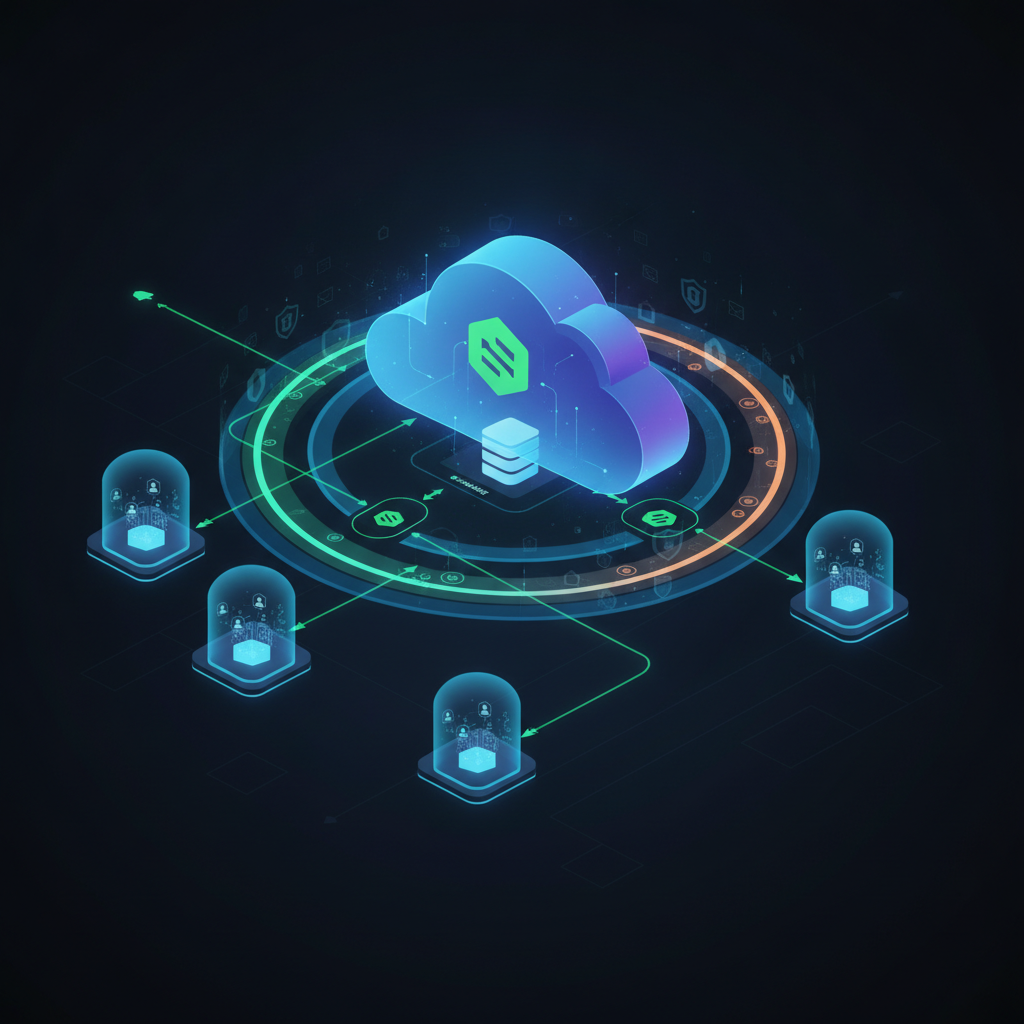
For technical founders, CTOs, and senior engineers building multi-tenant SaaS applications, the challenge of securely isolating customer data is paramount. You've likely explored Supabase, appreciating its developer experience, but perhaps you've hit a wall trying to implement robust Row-Level Security (RLS) that goes beyond simple auth.uid() checks. The problem isn't just about preventing users from seeing other users' data; it's about ensuring an entire organization's data is isolated, even when multiple users belong to the same organization, and preventing sophisticated data breaches.
This article cuts through the noise, offering production-grade RLS patterns for Supabase that address these complex multi-tenant requirements. We'll move beyond basic user-level policies to architect a system where data access is strictly controlled by organizational membership and roles.
TL;DR
- Secure Multi-Tenant Data: Implement RLS policies that enforce data isolation at the organization level, not just the user level.
- Organization-Centric Access: Design database schemas and RLS to manage users' memberships within multiple organizations.
- Advanced RLS Policies: Utilize
auth.uid()in conjunction with join tables to verify organizational access for every query. - Production Hardening: Address performance, race conditions, and administrative bypasses for a truly resilient system.
- Next.js Integration: Understand how your application layer interacts with and respects these database-level security rules.
The Multi-Tenant Dilemma with Supabase RLS
Supabase, built on PostgreSQL, offers RLS as a powerful primitive for data security. At its core, RLS allows you to define policies that restrict which rows a user can access, insert, update, or delete. A common starting point is a policy like user_id = auth.uid(), which ensures a user can only see their own data. This works well for single-user applications or personal dashboards.
However, in a multi-tenant SaaS, data doesn't just belong to a user; it belongs to an organization or team. Multiple users can be part of the same organization, and they should all be able to access that organization's data, but only that organization's data. Furthermore, a single user might belong to multiple organizations, requiring your application to switch contexts seamlessly while maintaining strict data separation.
This is where the basic auth.uid() RLS pattern falls short. You need a way to connect auth.uid() to an organization_id and then apply that organization_id filter across all your application's data tables.
Core Architecture: Organizations, Memberships, and Roles
To achieve robust multi-tenant RLS, we need a foundational schema that explicitly defines organizations and user-organization relationships. Here's a common pattern:
organizationstable: Stores details about each tenant (e.g.,id,name,slug,created_at). Theidwill be auuidand serve as the primary key and foreign key across all tenant-specific data.profilestable: Extendsauth.userswith application-specific user data (e.g.,id(FK toauth.users.id),full_name,avatar_url).user_organizationstable: A join table linkingprofilestoorganizations. This is crucial for defining which users belong to which organizations. It should includeuser_id(FK toprofiles.id),organization_id(FK toorganizations.id), and arolecolumn (e.g.,enumfor 'admin', 'member', 'billing_manager'). This table effectively defines the membership.
With this structure, any application data that is tenant-specific (e.g., projects, tasks, documents) will have an organization_id column as a foreign key referencing organizations.id.
Implementing Advanced RLS Policies
The goal of our RLS policies is to ensure that a user can only access rows in any given table if that row's organization_id matches an organization the auth.uid() is a member of. Let's walk through the policy creation.
First, enable RLS on all tables that contain tenant-specific data:
ALTER TABLE public.organizations ENABLE ROW LEVEL SECURITY;
ALTER TABLE public.profiles ENABLE ROW LEVEL SECURITY;
ALTER TABLE public.user_organizations ENABLE ROW LEVEL SECURITY;
ALTER TABLE public.projects ENABLE ROW LEVEL SECURITY; -- Example tenant-specific table
-- ... and so on for all your tenant-specific tables
Next, define your policies:
1. Policies for organizations Table
A user should only be able to see organizations they are a member of.
-- Allow authenticated users to view organizations they are a member of
CREATE POLICY "Users can view their organizations" ON public.organizations
  FOR SELECT USING (
    id IN (
      SELECT organization_id
      FROM public.user_organizations
      WHERE user_id = auth.uid()
    )
  );

-- Allow admins to create new organizations (optional, often handled by application logic)
-- CREATE POLICY "Admins can create organizations" ON public.organizations
--   FOR INSERT WITH CHECK (auth.role() = 'authenticated'); -- Or check against a specific admin role
2. Policies for user_organizations Table
Users should only see their own memberships.
-- Allow users to view their own organization memberships
CREATE POLICY "Users can view their own memberships" ON public.user_organizations
  FOR SELECT USING (user_id = auth.uid());

-- Allow users to insert/update their own memberships (e.g., when joining an org)
-- Requires careful application-level validation for security.
CREATE POLICY "Users can manage their own memberships" ON public.user_organizations
  FOR INSERT WITH CHECK (user_id = auth.uid());
CREATE POLICY "Users can update their own memberships" ON public.user_organizations
  FOR UPDATE USING (user_id = auth.uid());
3. Policies for Application Data Tables (e.g., projects)
This is the most critical part. Any table containing data that belongs to an organization must have an organization_id column. The RLS policy will then check if the current user is a member of the organization associated with that row.
-- Allow users to view projects within organizations they are a member of
CREATE POLICY "Users can view projects in their organizations" ON public.projects
  FOR SELECT USING (
    organization_id IN (
      SELECT organization_id
      FROM public.user_organizations
      WHERE user_id = auth.uid()
    )
  );

-- Allow users to create projects in organizations they are a member of
CREATE POLICY "Users can create projects in their organizations" ON public.projects
  FOR INSERT WITH CHECK (
    organization_id IN (
      SELECT organization_id
      FROM public.user_organizations
      WHERE user_id = auth.uid()
      -- Optional: Add a role check here if only specific roles can create projects
      -- AND role IN ('admin', 'editor')
    )
  );

-- Similar policies would be needed for UPDATE and DELETE operations.
CREATE POLICY "Users can update projects in their organizations" ON public.projects
  FOR UPDATE USING (
    organization_id IN (
      SELECT organization_id
      FROM public.user_organizations
      WHERE user_id = auth.uid()
    )
  );

CREATE POLICY "Users can delete projects in their organizations" ON public.projects
  FOR DELETE USING (
    organization_id IN (
      SELECT organization_id
      FROM public.user_organizations
      WHERE user_id = auth.uid()
    )
  );
This pattern, using IN (SELECT organization_id FROM user_organizations WHERE user_id = auth.uid()), is robust because it directly links the authenticated user to their allowed organizations at the database level. Any query made by that user, regardless of what the application attempts, will be filtered by these policies.
Advanced: Active Organization Context
For users belonging to multiple organizations, your application will need to manage an "active" organization. While RLS directly checks all organizations a user belongs to, you might want your application to only display data for the currently selected organization. This is an application-level concern, but you can augment RLS if you store the active organization in the JWT user_metadata or app_metadata (if using custom JWTs) or a custom Postgres session variable.
However, relying solely on client-set session variables for RLS is risky. The IN (SELECT ...) approach is generally more secure as it's immutable from the client perspective. If you must use a session variable for RLS, ensure it's set by a trusted server-side function after strict validation, and combine it with the is_org_member check to prevent spoofing.
Production Edge Cases
Implementing RLS is just the first step. A production-grade system needs to account for various edge cases.
Race Conditions and Context Switching
When a user switches between organizations in your UI, your application needs to ensure that subsequent data fetches reflect the new context. While RLS handles the security by checking all allowed organizations, the display logic in your application must filter by the active organization. If you're using a current_organization_id in your application state, ensure it's updated atomically and that any dependent UI components re-fetch data.
Performance Implications of Complex RLS
The IN (SELECT ...) subquery can impact performance, especially with many users, organizations, or complex join tables. Ensure user_organizations has appropriate indexes:
CREATE INDEX ON public.user_organizations (user_id);CREATE INDEX ON public.user_organizations (organization_id);- A composite index on
(user_id, organization_id)can be highly beneficial.
Regularly analyze query plans (EXPLAIN ANALYZE) for your RLS-protected queries to identify bottlenecks. Consider denormalizing organization_id into profiles if a user primarily belongs to one organization, or caching organization memberships at the application layer.
Security: Preventing Policy Bypass
RLS is powerful, but it's not a silver bullet. Always remember:
- Enable RLS on all relevant tables. Missing RLS on a single table can create a backdoor.
- Use
SECURITY DEFINERfunctions with extreme caution. If you create custom functions that bypass RLS, ensure their logic is flawless and they are only callable by trusted roles. - Never trust client input for RLS policies. Policies should derive context from
auth.uid()and database relationships, not directly from query parameters. - Test your policies rigorously. Use
SET ROLEandSET auth.uid()in your testing environment to simulate different users and ensure policies behave as expected.
Admin Access and Data Migration
For administrative tasks, data migrations, or seeding, you often need to bypass RLS. In PostgreSQL, you can temporarily disable RLS for a session or run commands as the postgres superuser:
-- Temporarily bypass RLS for the current session
SET SESSION AUTHORIZATION postgres;
-- Perform admin operations
RESET SESSION AUTHORIZATION;
Or, more safely, define specific admin roles and create policies that grant them broader access. For example, a service_role key in Supabase typically bypasses RLS, but this key should never be exposed client-side.
Error Handling
If a user attempts to access data they don't have permission for, Supabase will typically return an empty array or a permission denied error, depending on the specific operation and client library. Your application should gracefully handle these scenarios, perhaps by redirecting the user or displaying an appropriate message. Crucially, the database ensures no sensitive data is leaked.
Key Takeaways
- RLS is foundational for multi-tenant security in Supabase. It's not optional for production-grade SaaS.
- Design your schema for organizations and memberships. The
user_organizationsjoin table is key. - Use
IN (SELECT ...)patterns for robust, organization-level RLS. This directly linksauth.uid()to allowedorganization_ids. - Index your join tables. Performance is critical for complex policies.
- Test RLS policies thoroughly to catch edge cases and ensure no data leaks.
- Distinguish between application-level filtering and database-level security. RLS provides the latter.
Ship this without the trial-and-error
Implementing advanced multi-tenant architectures and robust RLS is complex. It's where many teams hit unexpected production edge cases that cost significant time and resources. If you're building an AI SaaS or a multi-tenant application and want to ensure your data security is bulletproof from day one, PolarSoftBD specializes in architecting and delivering these systems.
We've helped technical founders and CTOs navigate the intricacies of Supabase RLS, multi-tenant data isolation, and scalable SaaS infrastructure. Don't let data security become your biggest blocker.
Explore our SaaS Development services or book a free strategy call to discuss your project. You can also dive deeper into specific architectural patterns by reading our article on [/blog/multi-tenant-saas-supabase-rls-architecture].